Skip to content
場面Jangmyeon Seoga Publisher

Publisher moving-image workroom

Move the scene, without losing the book.

A self-service workroom for publishers to preserve original art and copy while directing motion for book-trailer scenes.

  1. 1Images & text
  2. 2Direct motion
  3. 3Prepare generation
Safe HTML demoBrowser editor preview
owl · slow turn

Night turned the page.

This preview generates no video and incurs no cost.

How it works

Build a book trailer one scene at a time

Follow the real publisher workspace as you divide images and copy into cuts, shape captions and motion, and review a quote before anything is run.

Real workspace screen01 / 04
Cuts and copyUpload scene artwork in story order, then give every cut its own on-screen copy and duration.

Public sample story

Divide images and copy into cuts

Upload scene artwork in story order, then give every cut its own on-screen copy and duration.
  • Attach a JPEG, PNG, or WebP image to each cut and move cuts earlier or later with accessible controls.
  • Copy is saved separately from the source artwork, so it can be revised without producing another flattened image.
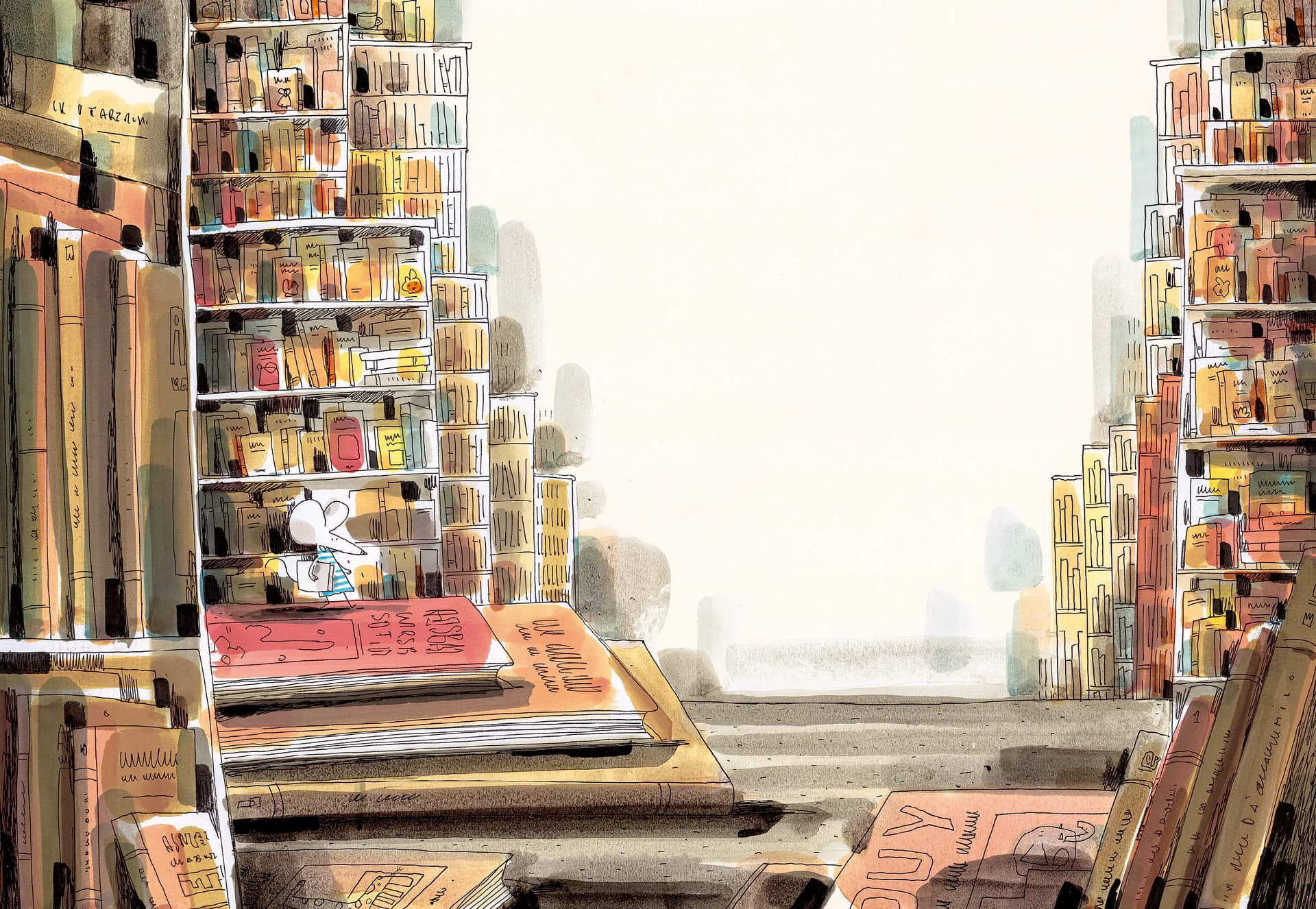
Landscape video and vertical Shorts

Choose the ratio for the screen you have in mind. These examples show source artwork in each format.

16:9
Complete library artwork with a mouse among bookshelves fitted inside a 16:9 frame

YouTube landscape

Recommended source size
1920 × 1080 px
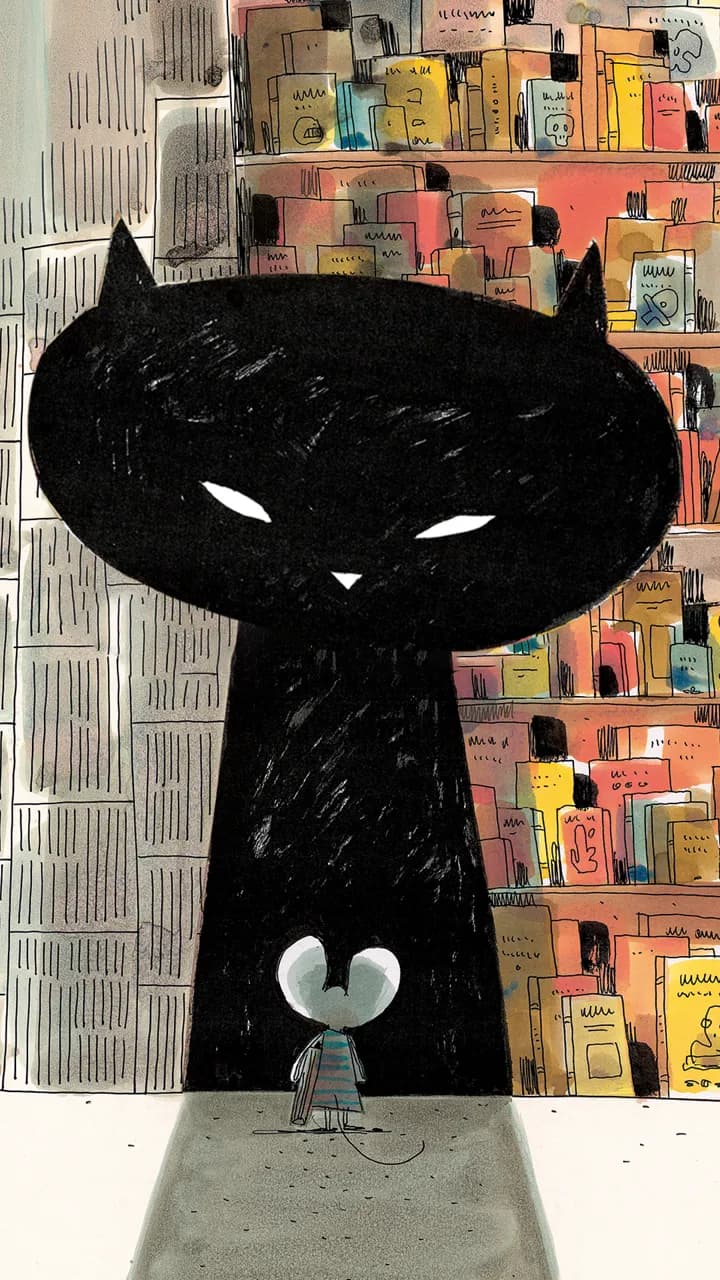
9:16
Complete portrait artwork of a black cat and a mouse fitted inside a 9:16 frame

Vertical Shorts

Recommended source size
1080 × 1920 px

The full artwork stays visible, with margins when its ratio differs.

These are recommended source dimensions, not guaranteed export sizes. Generated resolution varies by model. Paid generation and final export are not yet available.

What works today and what is still being prepared

Start editing free

Available now

  • Create a publisher account and manage projects in its independent workspace.
  • Upload images and save each cut's copy, order, duration, and transition.
  • Review captions and scene flow in a free HTML preview for either 16:9 or 9:16.
  • Save an estimated credit quote and a prepared job based on the selected model and cut lengths.

Not enabled yet

  • Credit checkout does not accept payments yet.
  • AI video-generation requests are not sent yet.
  • Final assembly of generated cuts and delivery of an output are not enabled yet.
Real workspace screenDivide images and copy into cuts

Scroll sideways to inspect the details

Real editor showing public sample artwork, the cut list, and the copy field for one cut
01 / 04

Editing that respects the page

Preview caption placement in HTML. Caption text stays separate from image-generation inputs.

Be precise about what moves

Box a character or object and describe its motion. The model is instructed to preserve the unmarked composition.

No execution before the price

Choose a model, inspect billable time, and prepare a server-owned quote. Paid generation requires a subscription activated after verified payment.