Skip to content
場面Jangmyeon Seoga Publisher

Make a book trailer your own.

Change a line. Move a caption. See how book artwork becomes a promotional draft, without signing in.
Free to try, no sign-in
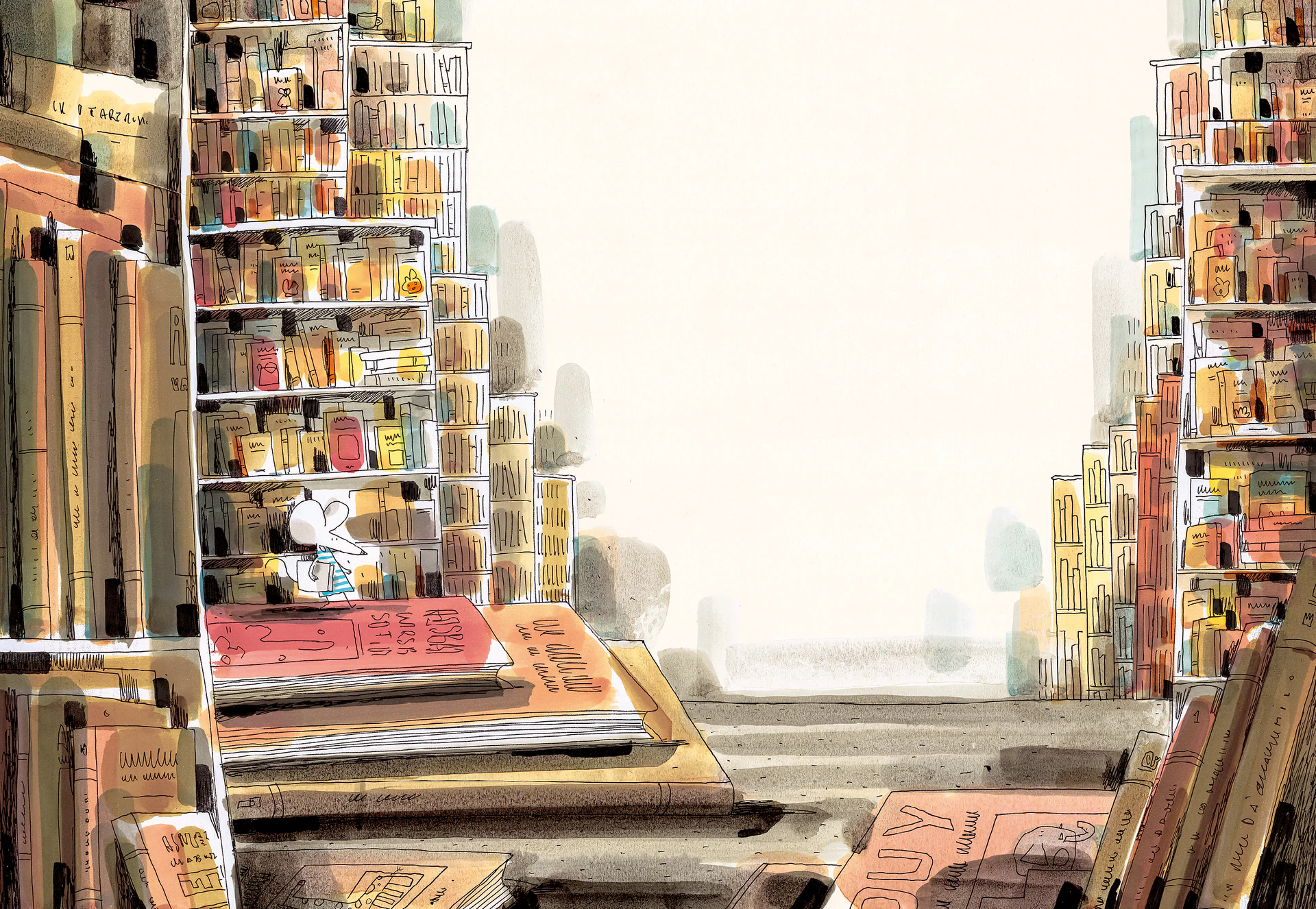
Library illustration with a small mouse between bookshelves

Open a book. Let a new scene begin.

00 / 16 s

Four sample cuts

4 seconds per cut

This editing demo uses two public images. The captions are illustrative examples, not quotations from the book.

This is a free HTML draft. It does not generate AI video, take payment or export a video file.

A 36-second guide, on the real screen

See how to change a caption, preview the sequence, and start with your own book.

Korean narration · Korean interface · Korean, English and Japanese subtitles available
Open the guide video
  1. Open the free demo

    Explore four sample cuts without signing in.

  2. Edit a caption

    Choose a cut and enter your own words.

  3. Place the caption

    Choose top, middle or bottom to keep the artwork visible.

  4. Switch the format

    Compare a 16:9 video with 9:16 Shorts.

  5. Play the sequence

    Review how the words and scenes flow together.

  6. Start with your book

    Prepare a draft from your press release and book images.

This is a usage guide, not a completed book-trailer example. It does not show paid AI generation or MP4 export. The demo lets you edit a free HTML draft.

Start with your book materials

Watch a completed trailer

This is a previously produced book trailer, not an automatically generated result of the draft above.

A cat-and-mouse picture book · completed example

Now, try your own book.

Prepare a draft with your press release and book images, or talk to us about making a book trailer.

Drafting and paid video production are separate steps. Review the production scope and cost before proceeding. The inquiry form is currently in Korean.