Skip to content
Seoga

Make a book trailer your own.

Add a press release and images together, then compare two draft directions. Here, choose a prepared sample and edit the parts you want to change.

Free to try, no sign-in
Choose a story

Sample press release and images

1 press release · 4 imagesView source materials

Sample press release

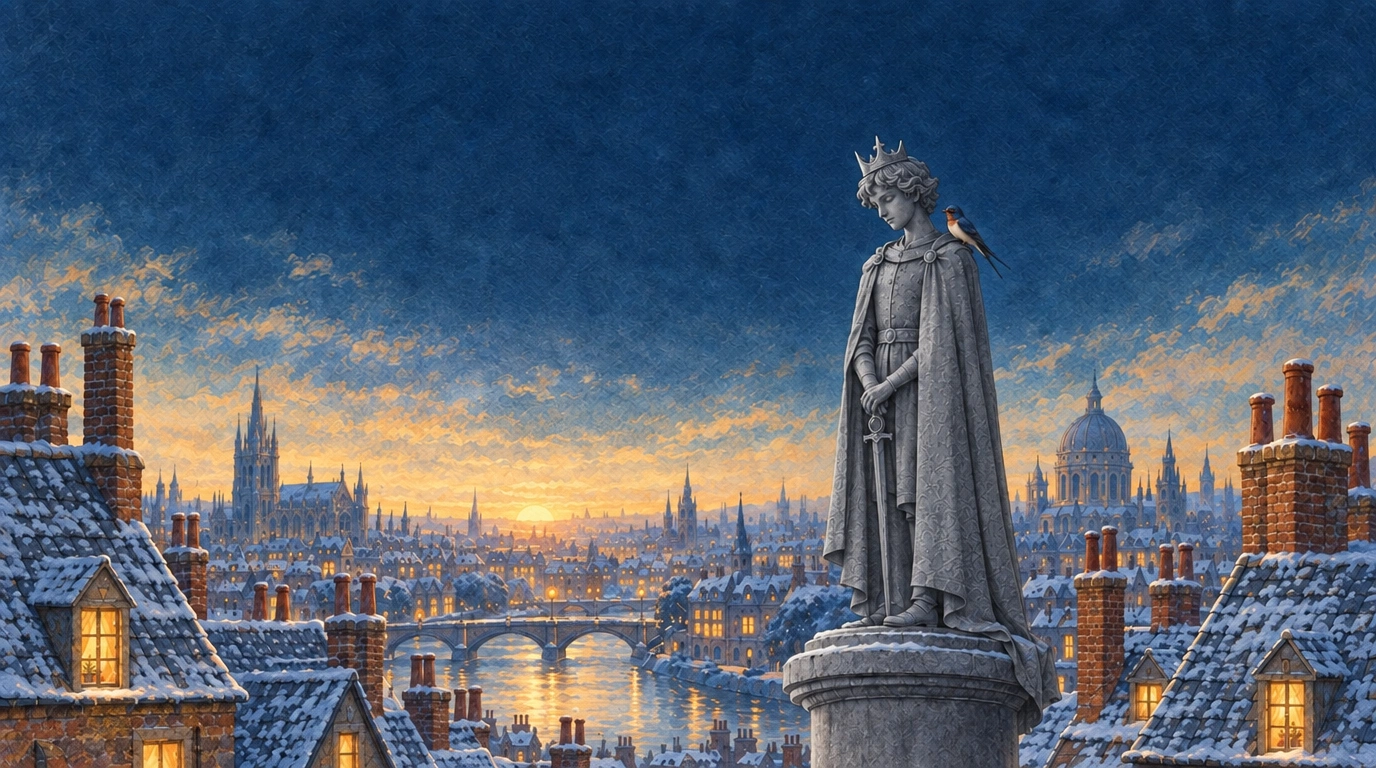
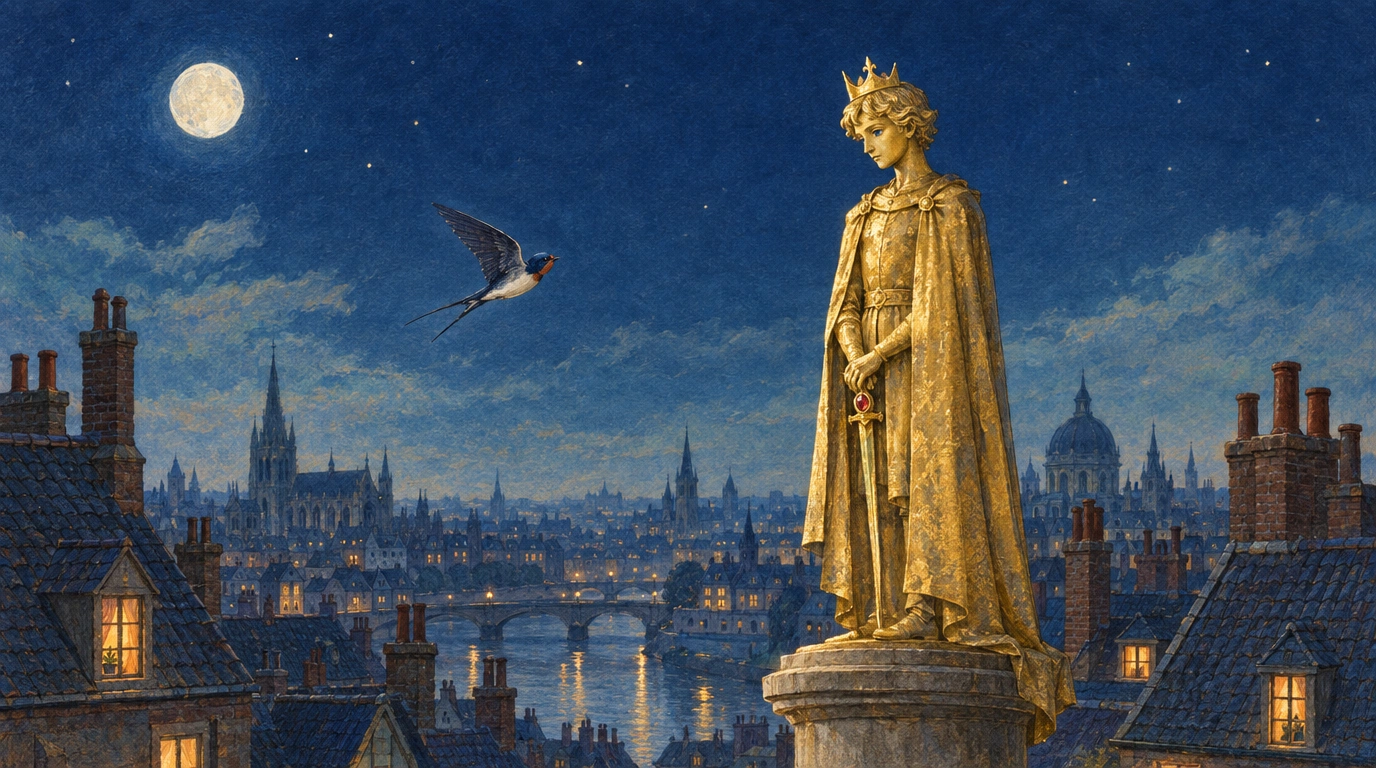
The Happy Prince. A statue overlooking the city and a little swallow bring warmth to people in need. Our own adaptation of Oscar Wilde's 1888 story introduces generosity and friendship.

Adapted from the public-domain English original with newly created AI artwork and our own copy and captions. No modern translation or illustrations were used. This is our own demo, not a publisher client case or a quotation from the book.

Classic story source

Our own AI illustration of the golden prince above the night city and the arriving swallow
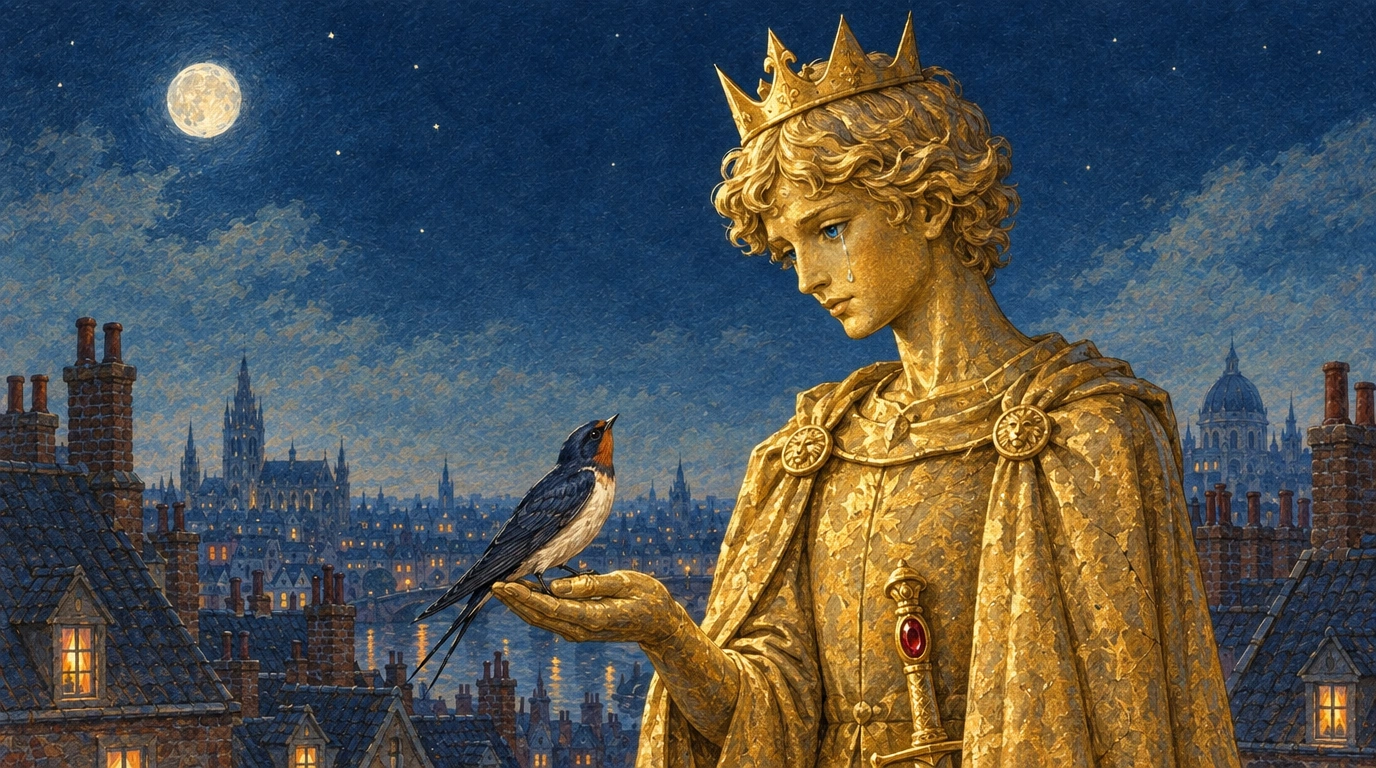
Our own AI illustration of the crying prince and the swallow beside him
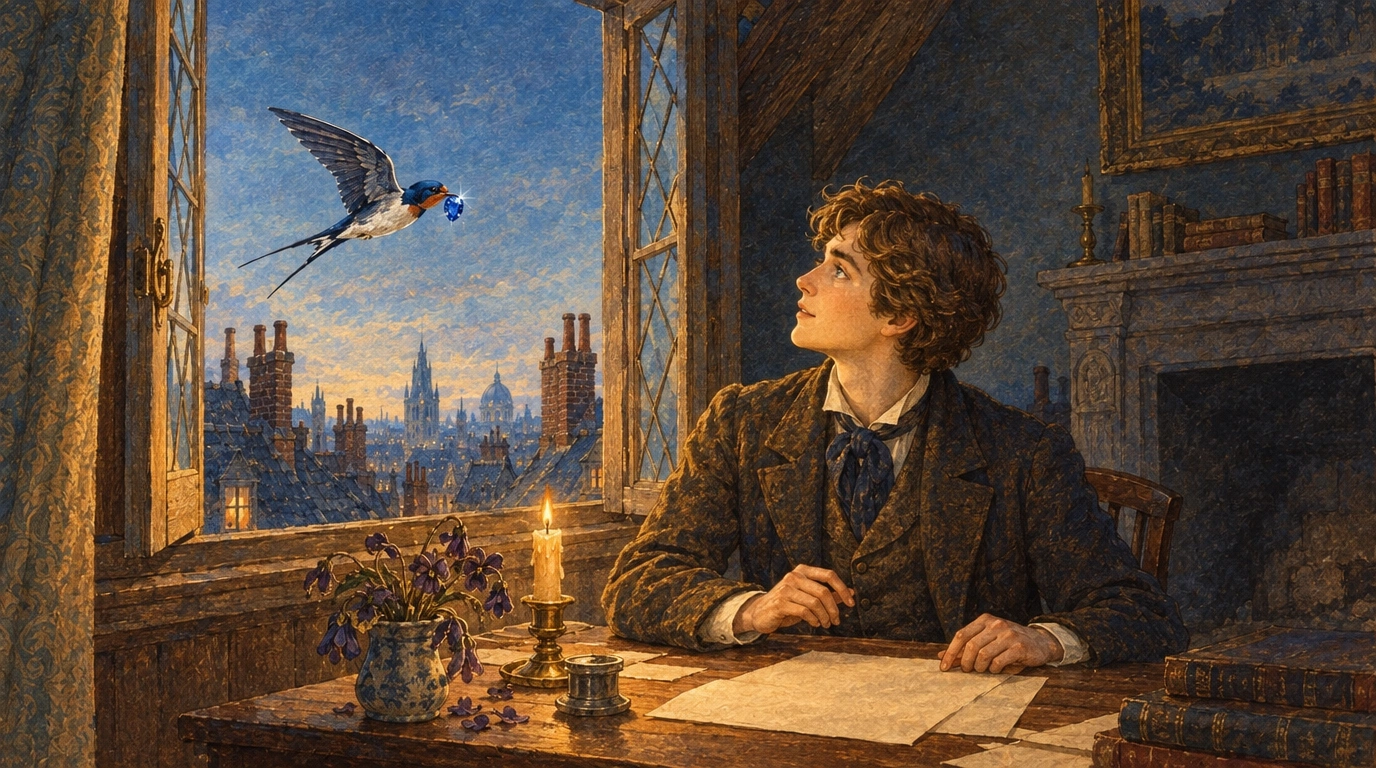
Our own AI illustration of the swallow delivering a sapphire to a boy at a window
Our own AI illustration of warm city windows, the gray prince statue and the swallow

One set of materials, two drafts

Two drafts prepared in advance from the sample materials. Choose a direction without writing every cut from scratch.

Above the city, a prince meets a little swallow.
Our own AI illustration of the golden prince above the night city and the arriving swallow · 1Our own AI illustration of the crying prince and the swallow beside him · 2Our own AI illustration of the swallow delivering a sapphire to a boy at a window · 3Our own AI illustration of warm city windows, the gray prince statue and the swallow · 4

Story-led

Follow the prince and swallow from their meeting to acts of generosity.

Setting → character → anticipation → invitation

Even a shining city has hearts that need care.

Our own AI illustration of warm city windows, the gray prince statue and the swallow · 1Our own AI illustration of the crying prince and the swallow beside him · 2Our own AI illustration of the swallow delivering a sapphire to a boy at a window · 3Our own AI illustration of the golden prince above the night city and the arriving swallow · 4

Mood and message-led

Use the night city and a small bird's flight to convey kindness and reflection.

First impression → atmosphere → message → reflection

Switching drafts keeps each draft's edits within this story. Choosing another story resets the edits.

This is a free HTML draft. It does not generate AI video, take payment or export a video file.

Editing after selection

Choose a story and draft, then follow these steps to edit captions, placement and format.

  1. Choose a draft to edit

    Select one of two drafts in the free demo to open the four-cut editor.

  2. Edit a caption

    Choose a cut and enter your own words.

  3. Place the caption

    Choose top, middle or bottom to keep the artwork visible.

  4. Switch the format

    Compare a 16:9 video with 9:16 Shorts.

  5. Play the sequence

    Review how the words and scenes flow together.

  6. Start with your book

    Prepare a draft from your press release and book images.

The previous screen recording is not currently published because the sample has changed. Follow these steps to edit a free HTML draft. This does not run paid AI video generation or MP4 export.

Start with your book materials

Watch a completed trailer

This completed, six-scene, 37-second AI book-trailer demo is our own adaptation, made in advance. It is separate from the free HTML draft, not a publisher client case or an automatically generated result of your edits above.

The Happy Prince · original-story adaptation · our own AI demo

Now, try your own book.

Add your press release and book images together, choose one of two drafts, and edit it. Actual video production follows a cost review.

Drafting and paid video production are separate steps. Review the production scope and cost before proceeding. The inquiry form is currently in Korean.